How to Choose a Kids' Habit App or Reward Chart App: 5 Things to Check (2026)
When choosing a kids' habit app, check these five things before features: ① whether there is a parental (legal guardian) consent process for data on children under 14 (Korea's Personal Information Protection Act), ② whether you can delete the account and data in the app and on the web (Google Play policy), ③ whether penalties never reduce points already earned (CDC), ④ whether penalty marks are kept out of praise records (AAP), and ⑤ whether ads appear on the screen your child sees.
What should you check first in a kids' habit app?
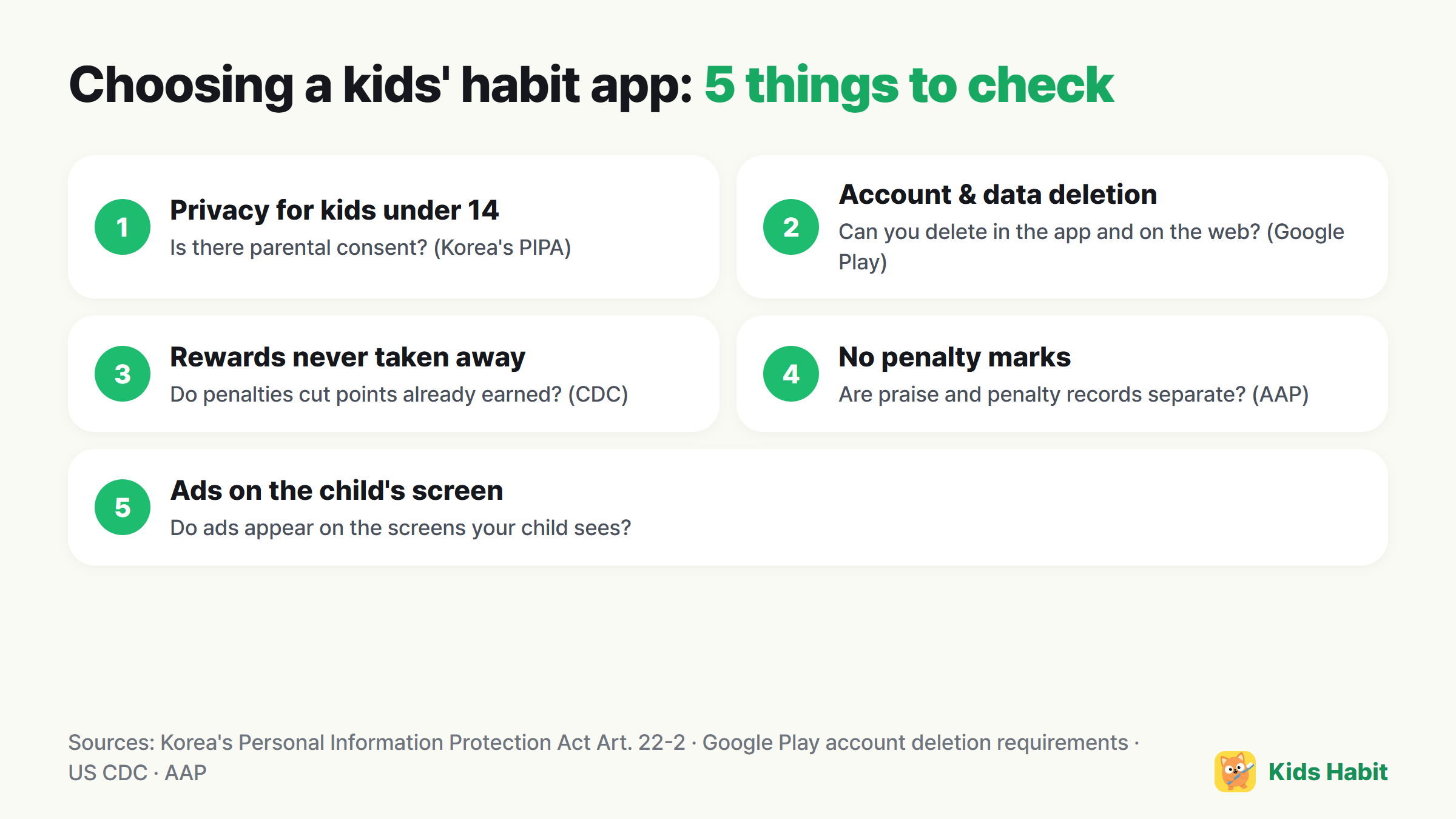
- Privacy for children under 14: Article 22-2 of Korea's Personal Information Protection Act requires the consent of a legal guardian (usually a parent) to process the personal information of children under 14, and requires confirming that consent was given. If children sign up for the app themselves, check that this process exists.
- Account and data deletion: Google Play requires apps that let users create accounts to let them request account deletion both inside the app and on the web, and to delete the associated data when the account is deleted. Check whether there's a “Delete account” option in the settings.
- A structure that never takes rewards away: The US Centers for Disease Control and Prevention (CDC) advises not taking away rewards a child has already earned, even after misbehavior. Check whether giving a penalty reduces points.
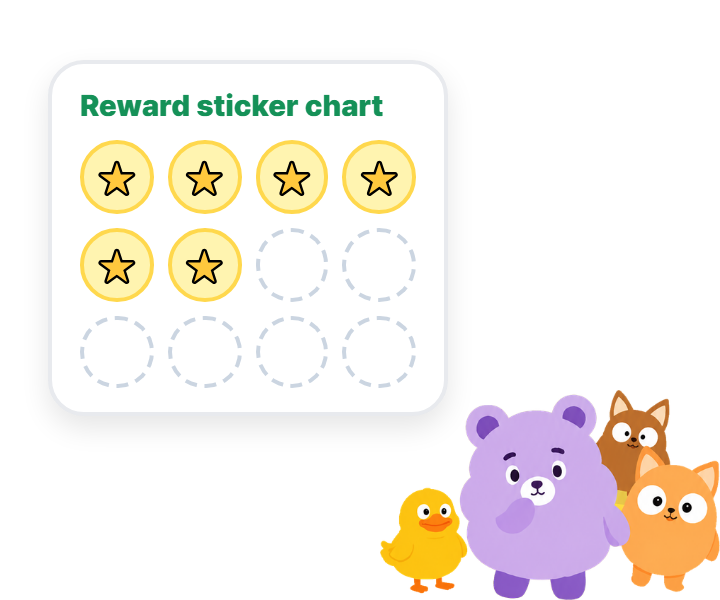
- Records without penalty marks: The American Academy of Pediatrics (AAP) says adding penalties to a reward chart can make children feel ashamed or give up trying. Check whether praise records and penalty records are kept separate.
- Ads on the child's screen: Check whether ads appear on the screens your child sees directly. You can tell by looking at the store's “Contains ads” label together with the app description.
Other nice-to-have features
- If you have several children: whether each child's records are managed separately on one device
- Parent screen lock: whether there's a lock so your child can't change parent settings
- Viewing records: whether you can see past records, for example on a calendar
- Setting your own rewards: whether your family can create its own rewards — the AAP recommends choosing the reward list together with your child
How does Kids Habit measure up?
For reference, here's how Kids Habit is set up against the criteria above. Use the same criteria when comparing it with other apps.
| What to check | Kids Habit |
|---|---|
| Children's privacy | It's an app run by parents. Children don't sign up themselves and are registered only with a nickname and a character |
| Account and data deletion | You can request account deletion in the app settings and on a web page |
| A structure that never takes rewards away | Recording penalties or warnings never reduces points already earned |
| Records without penalty marks | Praise points and penalty records are managed separately |
| Ads on the child's screen | No ads appear in Kid Mode |
Frequently asked questions
Are apps that children sign up for themselves okay?
Under Article 22-2 of Korea's Personal Information Protection Act, processing the personal information of children under 14 requires the consent of a legal guardian (usually a parent). Check whether the sign-up process includes parental consent.
If I delete the app, is my child's information deleted too?
Deleting the app and deleting the account are different. Google Play requires apps that let users create accounts to offer a way to request account deletion both inside the app and on the web. Use the account deletion menu in the app settings.
Should I avoid apps with a penalty feature?
What matters more than the penalty feature itself is whether it takes away rewards already earned. The US Centers for Disease Control and Prevention (CDC) advises not taking away earned rewards, and the American Academy of Pediatrics (AAP) advises against putting penalty marks on reward charts.
References
- Korea Law Information Center — Personal Information Protection Act, Article 22-2 (Protection of children's personal information; Korean)
- Google Play Console Help — Understanding Google Play's app account deletion requirements
- US Centers for Disease Control and Prevention (CDC) — Using Rewards
- American Academy of Pediatrics (AAP) HealthyChildren — Positive Reinforcement Through Rewards
This article provides general parenting information based on materials from official organizations and does not replace diagnosis or treatment. If you're concerned about your child's health or development, consult a specialist such as a pediatrician or pediatric dentist.